
VIDEO GUIDE
QUICK ROUTE
Do it in this order
What you need and how the farming loop works
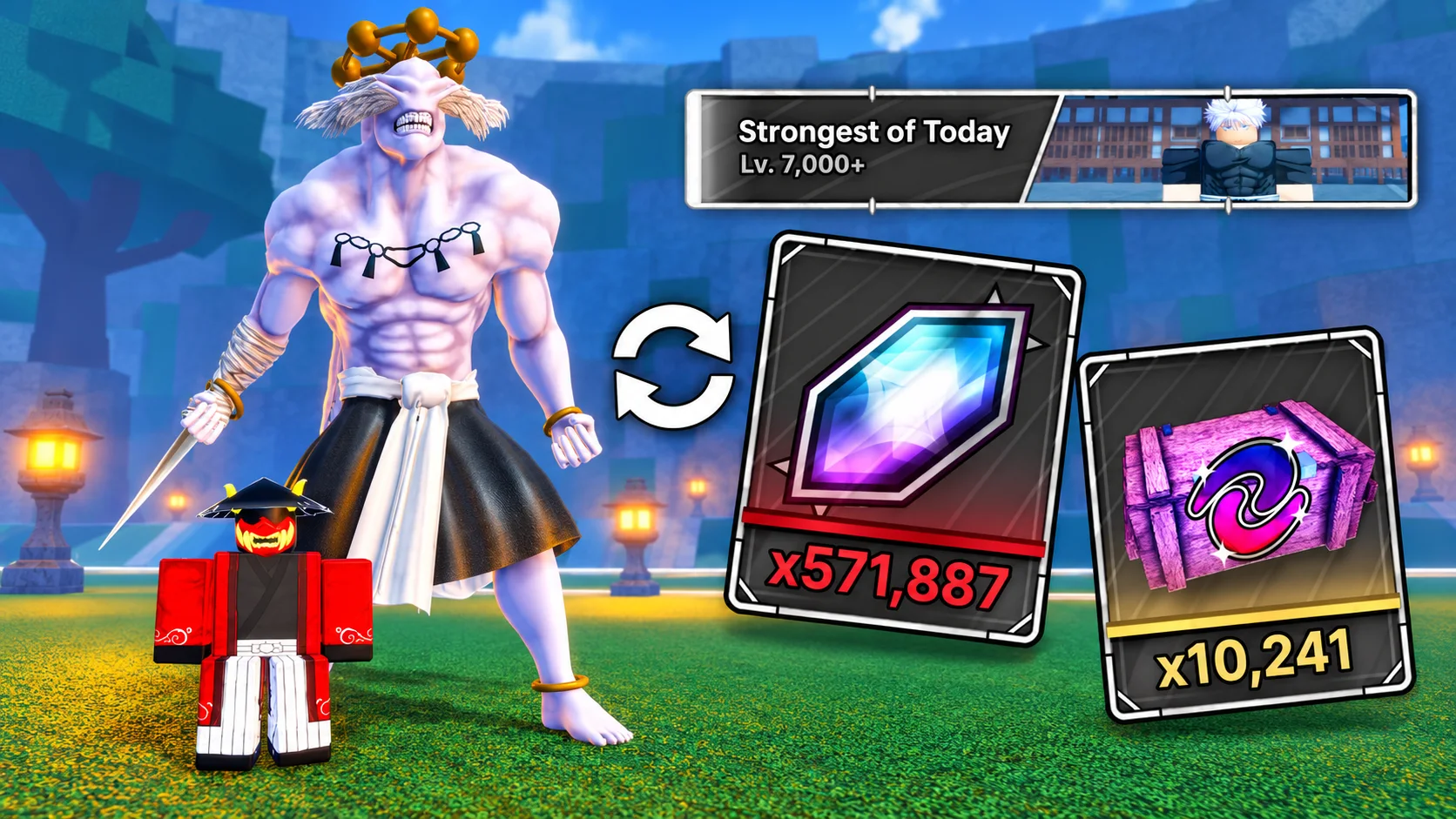
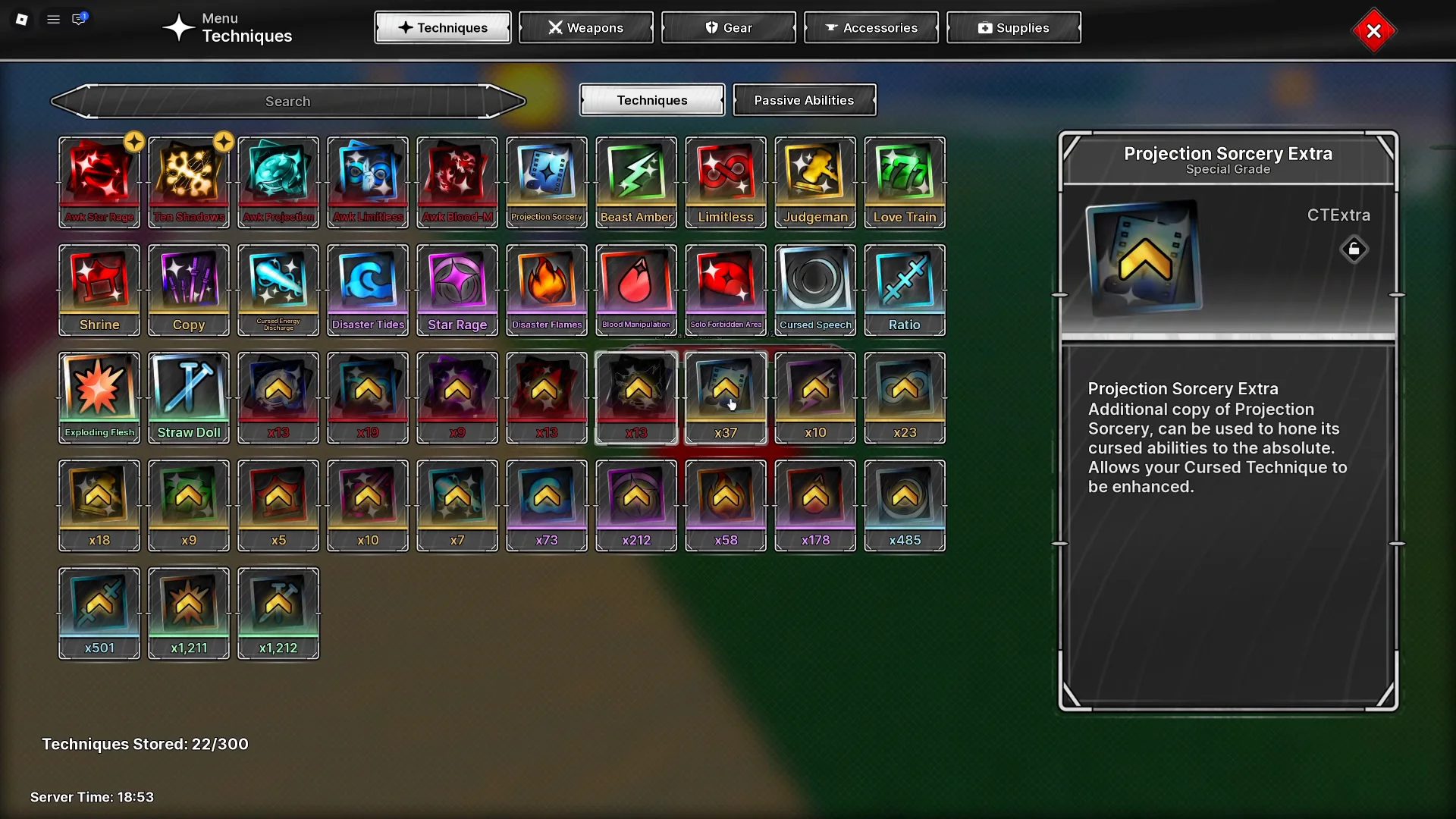
This setup uses SHR with Ten Shadows and Awakened Star Rage to repeat raid clears for Cursed Crystals and crates. Ten Shadows provides Shikigami that attack nearby enemies automatically. Awakened Star Rage supplies Black Hole and Gravity Spike for large-area attacks. Unlock the summons and both skills before starting, and equip the damage build you intend to keep using.
The recording captures one complete run: summon the Shikigami, switch techniques, repeat your attacks, collect the rewards and enter the next raid. It then repeats those inputs. This is a timed recording, not a system that recognizes whether the boss is dead or a menu is ready, so consistent timing matters.
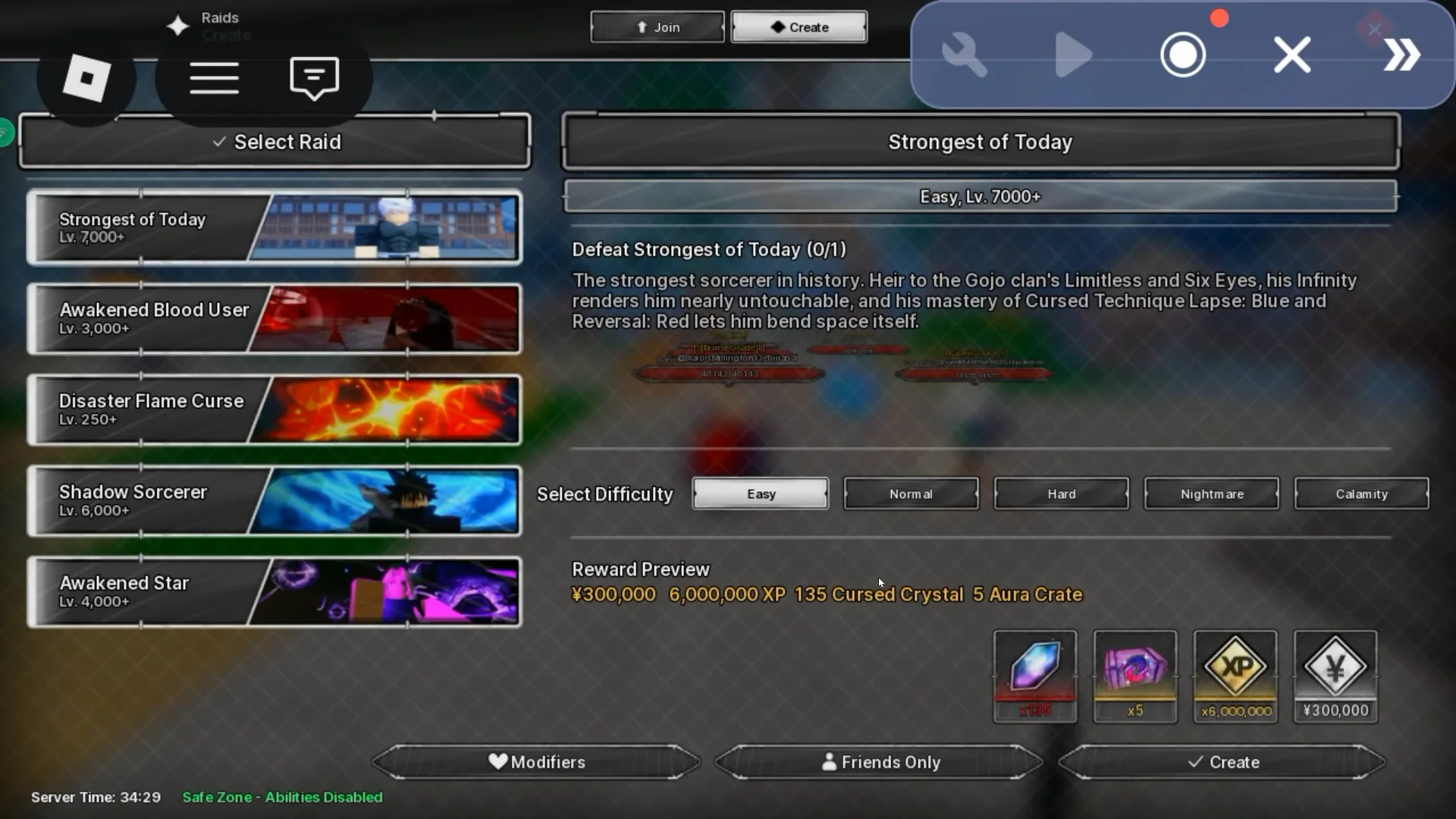
Strongest of Today is the raid used in the demonstration. Your damage determines the difficulty you can farm and how many attack cycles your recording needs. The example is a starting point, not a guaranteed clear for every build.
Check the current game and platform rules before using third-party automation. This guide describes the demonstrated setup; it does not establish that an auto clicker is permitted.
Prepare your UgPhone cloud device
UgPhone provides a cloud Android device that runs separately from your own phone or computer. You control that device remotely, while Roblox runs on the cloud phone. In this setup, UgPhone hosts the game and a separate auto clicker records and repeats the actions.
Create your account and activate a cloud device, then open Devices and launch the phone. Inside Game Center, install Roblox. Open Tool Center, install the auto clicker used for the recording, and check that its recording controls are accessible. Review the permissions it requests before granting them.
Launch Roblox inside the cloud phone, sign in and join Jujutsu Zero. The creator's video description and pinned comment are the places to check for the referral link and any current trial codes. Check the offer terms and remaining runtime before starting; no particular free-gem amount or trial code is assumed here.

- Devices: launch your active cloud phone.
- Game Center: install Roblox.
- Tool Center: install and test the recording tool.
- Open Roblox in the cloud phone and join Jujutsu Zero.
You can disconnect your local viewing device while the cloud phone stays running, but the cloud device must retain active runtime. Check pricing and runtime before committing to a long session.
Set graphics and controls before recording
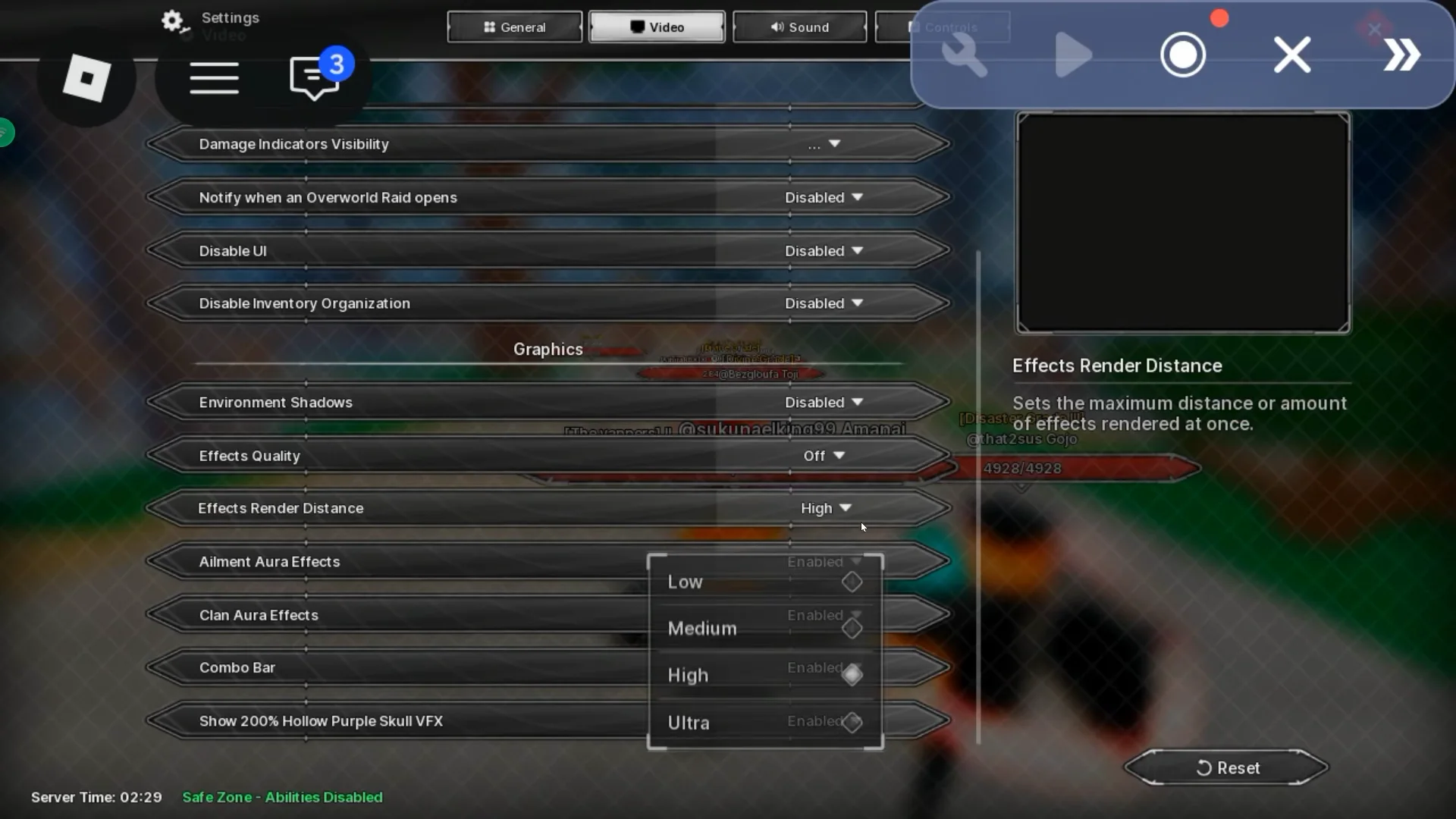
In Jujutsu Zero's settings, increase the field of view to the maximum and turn off camera shake. Disable optional video effects. In Roblox's settings, change Graphics Mode to manual and reduce Graphics Quality to the minimum. These settings reduce visual movement and the load on the cloud device.
Check that your SHR build is equipped and both cursed techniques are available. Arrange the controls before recording and keep their positions fixed afterward: the recorder repeats taps at the recorded positions, so moving a skill or menu button can break the sequence.
- Maximum field of view; camera shake off.
- Optional graphics effects off.
- Roblox graphics set to manual and minimum quality.
- Damage build equipped; Ten Shadows and Awakened Star Rage ready.
- Stable button positions throughout recording and playback.
Choose a reliable difficulty and complete a manual test
Return to the main menu and enter the raid gamemode lobby. Select Strongest of Today for the demonstrated setup, then choose a difficulty your build can clear comfortably. A run that only just succeeds with careful manual play is harder to reproduce with a fixed recording.
Complete a manual test before recording. Count the Black Hole, Gravity Spike and reset cycles needed to finish, and watch how long respawning, the results screen and loading into another raid take. Use those timings to plan your recording instead of guessing when to collect rewards.
The demonstrated run takes about seven attack cycles. Use as many as your own build needs; if the boss survives, add cycles or choose a lower difficulty. The transcript does not give a universal reward rate or a best difficulty for every player.
Record the summons and Star Rage attack cycle
Start the raid and wait for loading to finish. Begin recording before setting up your summons. Equip Ten Shadows and summon your Shikigami, pausing long enough for each summon to appear. Once they are out, switch to Awakened Star Rage.
Use Black Hole first, then Gravity Spike. Give the skills time to activate, open the Roblox menu and select Reset Character. Wait until your character has respawned and the controls are ready before repeating Black Hole, Gravity Spike and the reset.
Continue the sequence until the raid ends. Leave a small pause after each respawn: a tap made while the character is still loading may not activate a skill, but the recording will keep moving forward. Those missed inputs can leave the boss alive when the recording reaches its reward-collection taps.
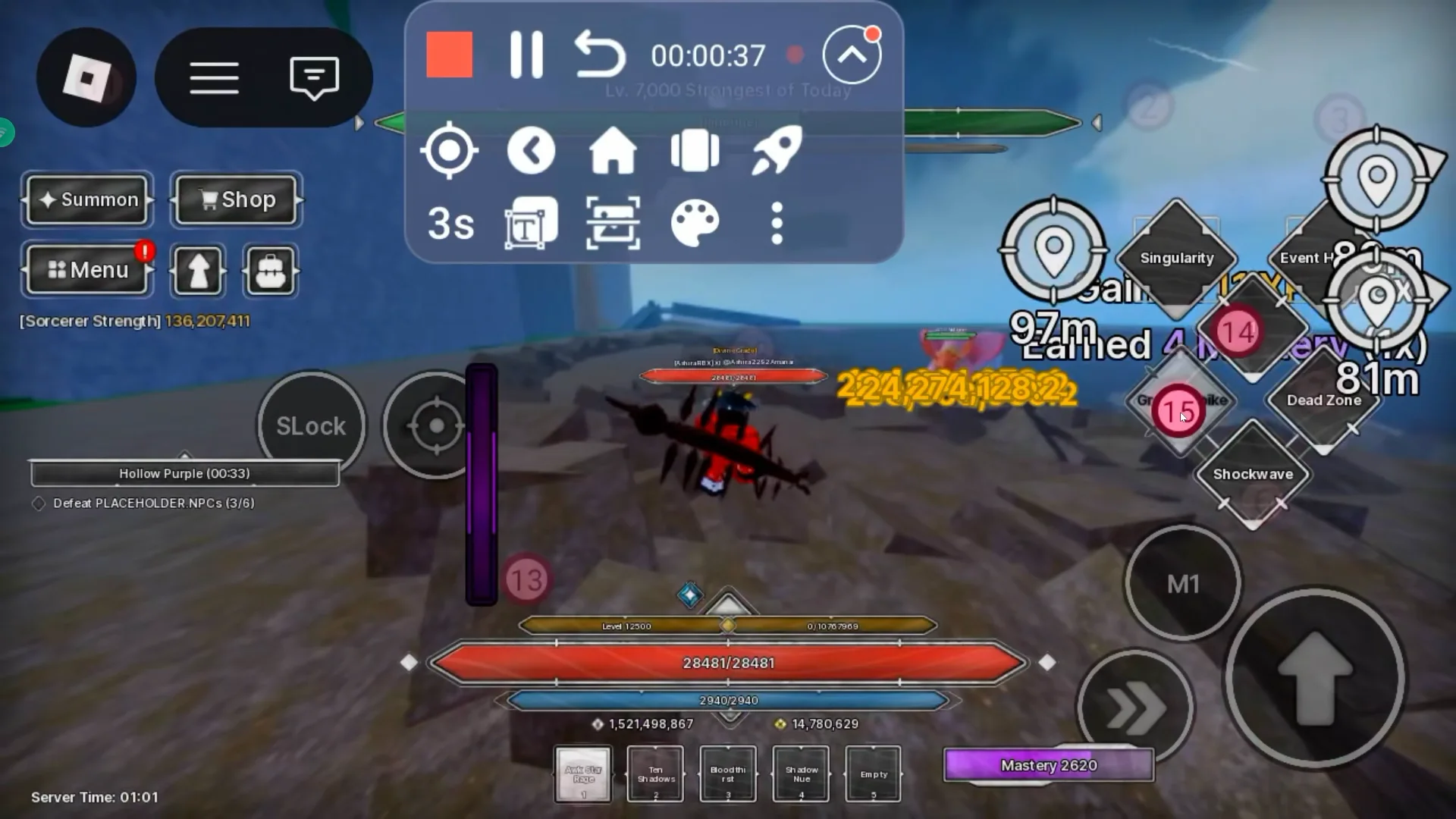
- Begin recording with the raid loaded, before summoning.
- Equip Ten Shadows and summon each Shikigami with a pause.
- Switch to Awakened Star Rage.
- Use Black Hole, then Gravity Spike.
- Reset Character through the Roblox menu.
- Wait for respawn and repeat the attack/reset cycle until the clear.
Keep recording after the boss is defeated. Reward collection and the next raid's loading are part of the loop, too.
Record reward collection, Replay and the next load
After the clear, wait about ten seconds for the results and reward interface. Treat that as the demonstrated timing and allow longer if your device needs it. Click Collect Reward twice with a short pause between clicks, then press Replay.
Do not stop the recording immediately after Replay. Wait for the next raid to load, then allow a few extra seconds for your character and controls to become ready. Stop recording at that point, before starting the summons again.
The saved recording now begins with Ten Shadows setup and ends at the same ready-to-start point in the following raid. Save it and choose the infinite-loop option. When playback reaches the end, it returns to the initial summon sequence.
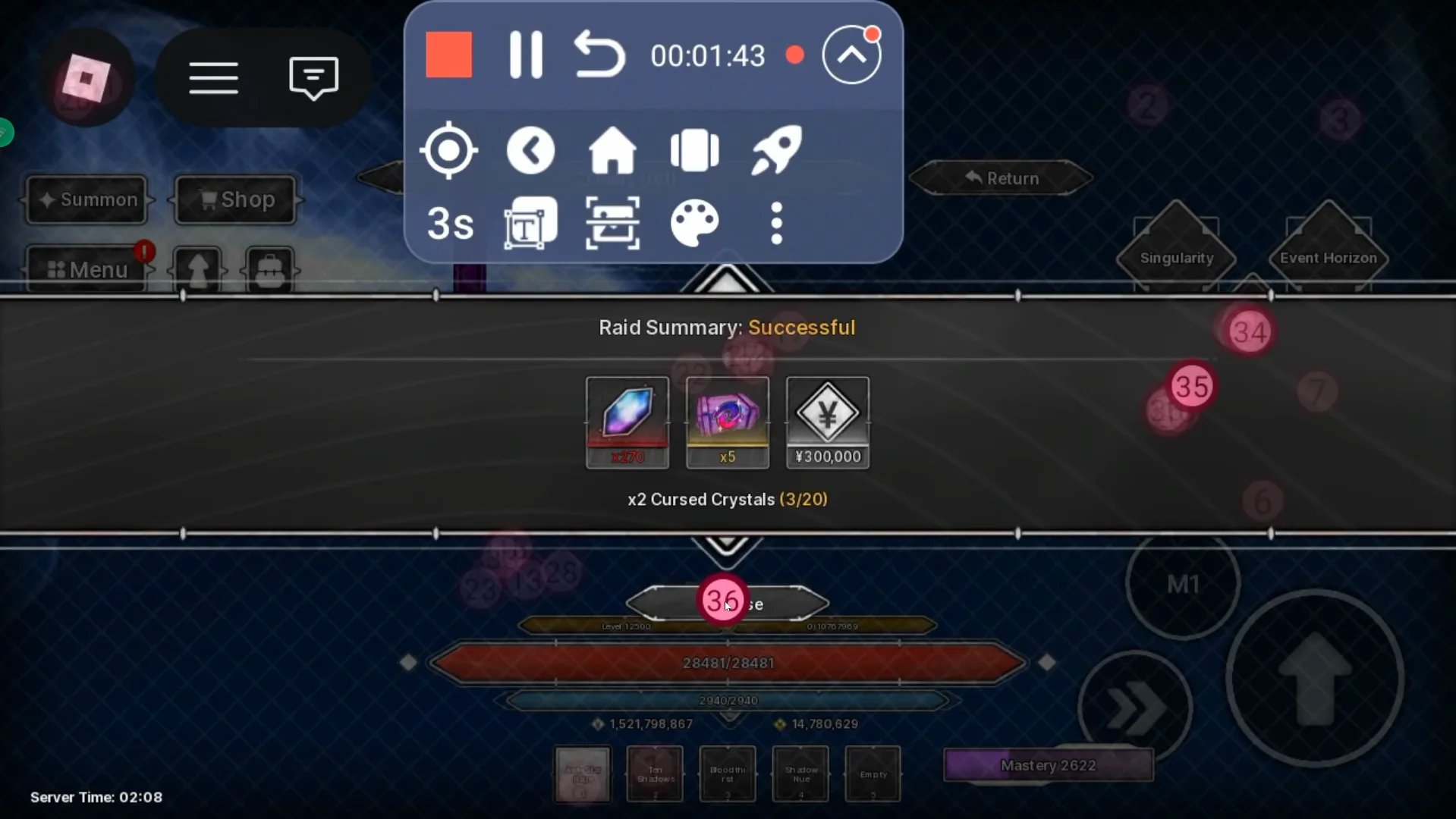
- Raid complete → wait for results (about ten seconds in the demonstration).
- Collect Reward → brief pause → Collect Reward again.
- Press Replay and wait through the entire loading screen.
- Allow a few extra seconds once the new raid is ready.
- Stop before summoning; save and enable infinite playback.
Test a full automatic run and fix timing problems
Watch at least one complete automatic run before leaving the setup unattended. Confirm that the recording summons the Shikigami, switches to Awakened Star Rage and performs each attack/reset cycle. Then watch it collect rewards, replay and successfully start the next run. A single boss kill is not enough to prove the loop works.
Fix the specific point that fails and test again. Keep your equipment, difficulty and control layout unchanged once the recording works. If you change anything that affects damage, clear time or tap positions, repeat the test.
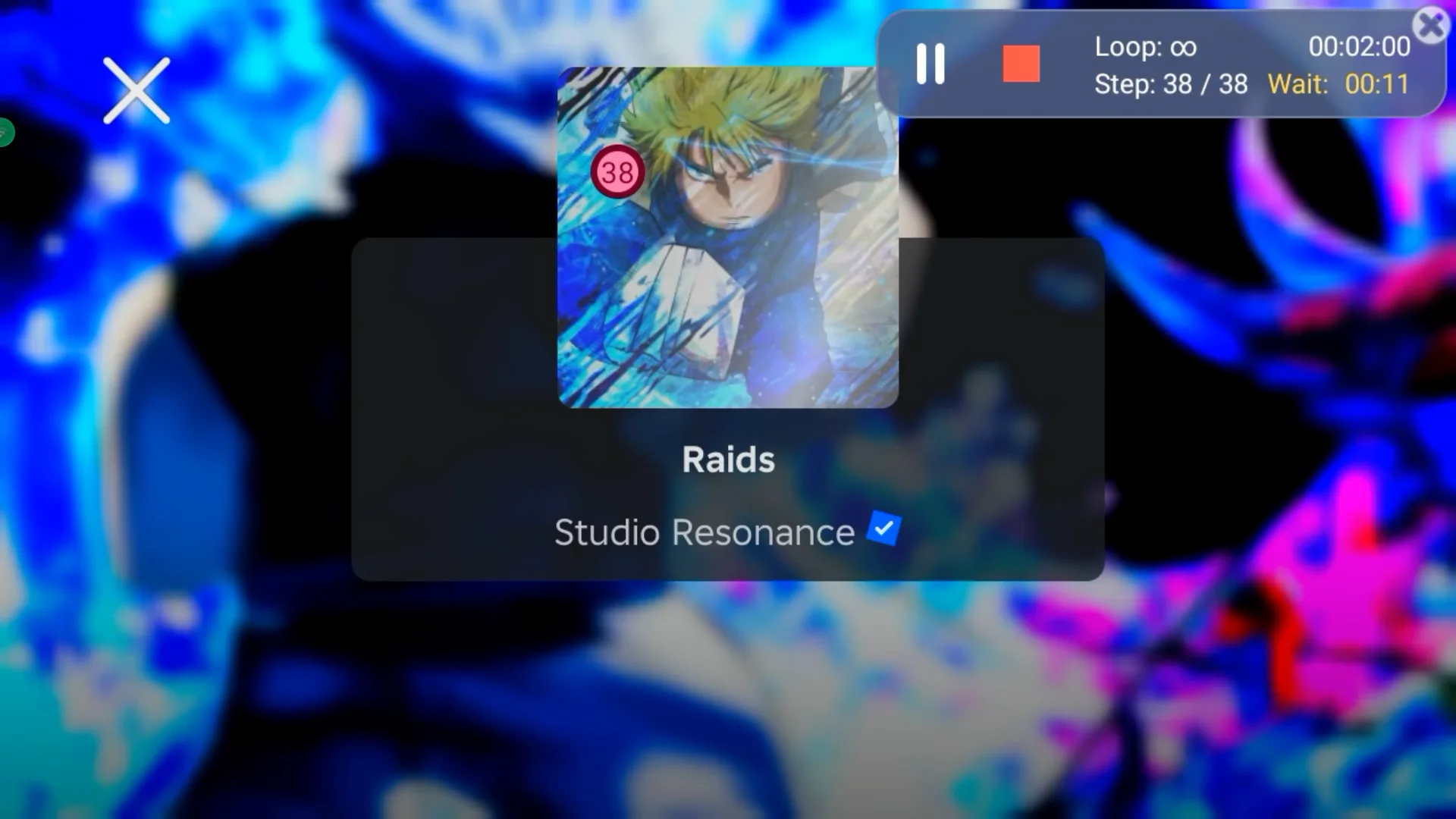
- Collect Reward is tapped before the results appear: add more waiting time after the fight.
- Summons are tapped before the next raid loads: extend the pause at the end of the recording.
- Skills fail after a reset: wait longer for respawn and controls to become ready.
- Boss survives the recorded attack sequence: record more cycles or lower the difficulty.
- Taps hit the wrong buttons: restore the original layout or record the sequence again.
- Playback clears once but fails on the next run: check the Replay-to-summon transition.
Keep the cloud session running and check it periodically
Once the full loop works, you can close UgPhone on your local device or turn that device off while the cloud phone remains active. The game runs on the cloud phone rather than your local screen, so keeping your own phone's Roblox app open is not required.
The session still depends on active cloud runtime and a working Roblox connection. A disconnect, game update or unexpected menu can interrupt the recording. Reopen the cloud device periodically to check the run and rewards rather than assuming it will continue indefinitely.
The most important checks are a consistent clear, enough time for each input, and a complete transition back into the next raid. Build the recording around your actual run, then retest whenever your build or difficulty changes.

8 Mistakes That Lower Your Damage in Jujutsu Zero
Improve your damage by fixing gear rolls, unfinished upgrades, mismatched bonuses, buff order, skill trees, ailments and Vows—then test real performance.
7 min readRead guide →
Complete Ten Shadows Progression Guide: Shadow Island Through Part 2
Unlock Ten Shadows, reach Shadow Island, turn Shadow Essence into Shikigami progress, and continue through Max Elephant, Totality, Shadow Chimera Garden, and Mahoraga's Part 2 upgrades.
7 min readRead guide →
Ten Shadows Sorcery Heavenly Restriction Build
Build around Ten Shadows summons, Awakened Star Rage, Infinity Aura, Amanai, and Part 2 gear without overlooking Sorcery Heavenly Restriction’s severe health and weapon tradeoffs.
5 min readRead guide →